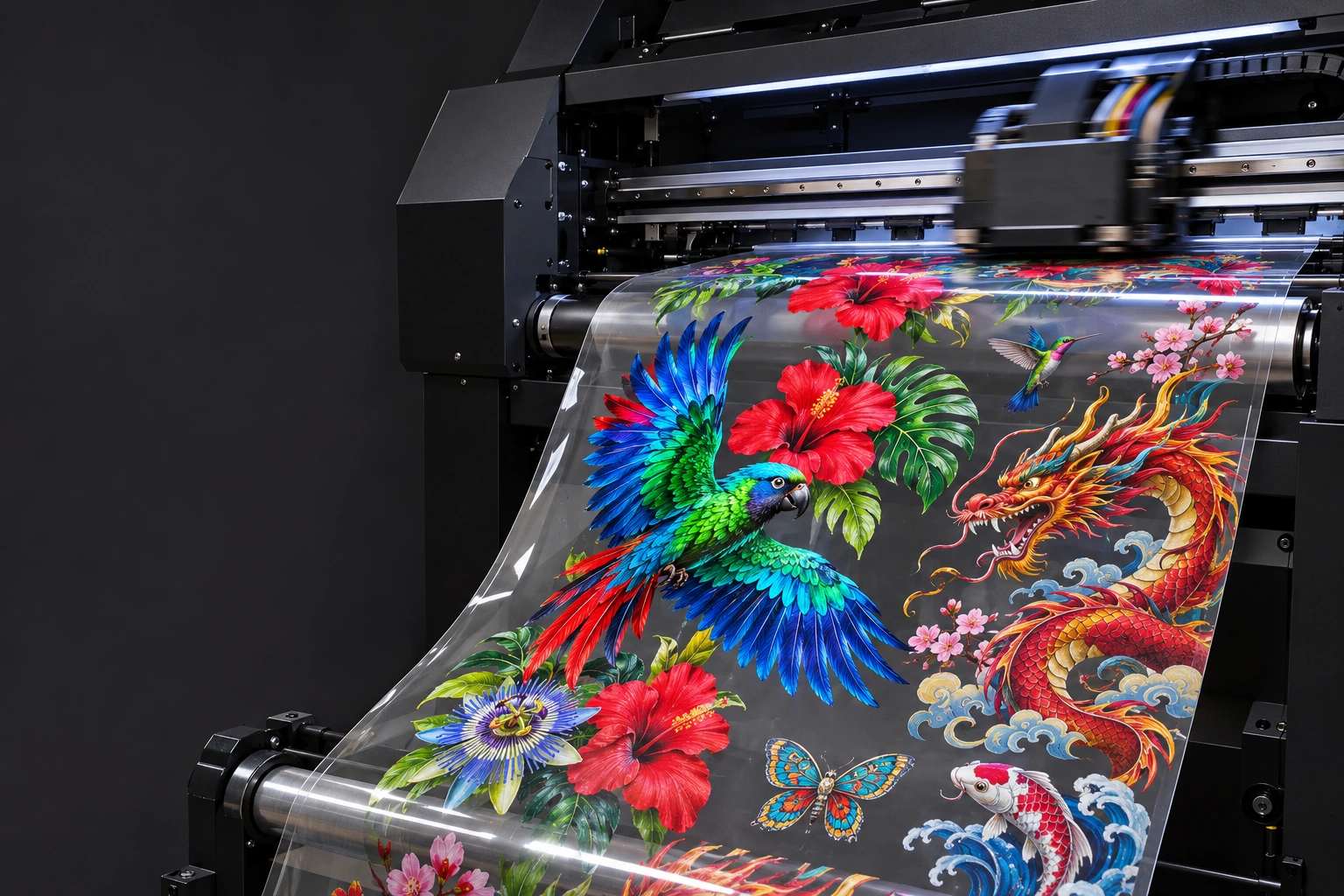
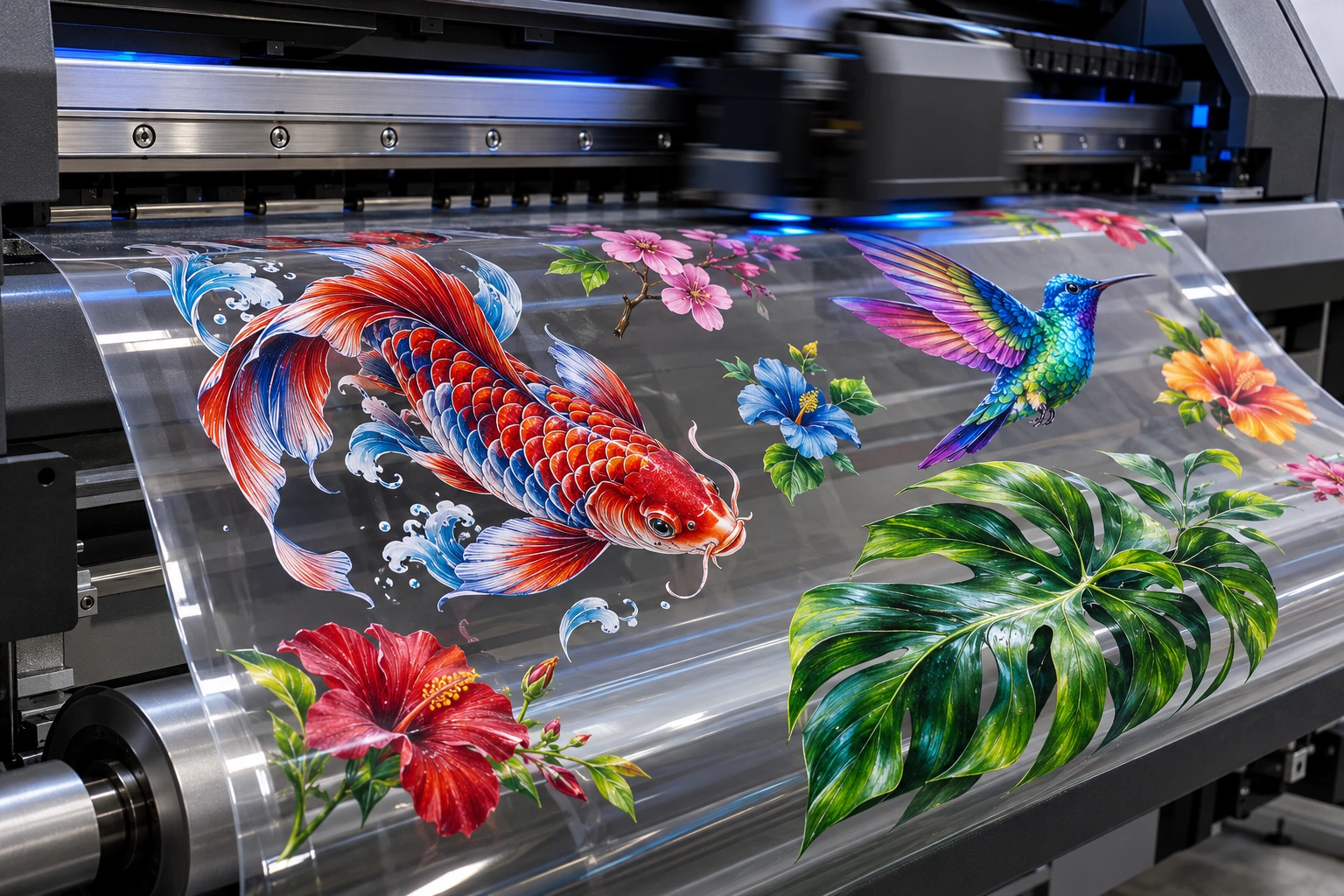
Add transparent PNGs, set their print sizes and copies. We arrange the sheets and show you the space left.
01
Add your designs
RGB · transparent PNG
Sizes are in millimetres. Proportions stay locked. Transparent padding in your PNG is included in its size.
5mm between image boxes · 3mm outer margin. Small designs are placed into suitable gaps automatically; packing is an estimate, not a guaranteed optimum.
02
Your sheet layout
0 prints
A home for all your ideas.
Add your first PNG to start building. Your arranged sheets will appear here.
YOUR NEXT GREAT PRINT
Make room for your next big idea.
A finished gang sheet. Three simple steps. Already arranged? Upload your complete file.
Upload a complete layout, ready to print. We do not rearrange or resize the designs in your file.
03
Check it. Approve it.
Your sheet total£7.86plus VAT · delivery extra
Upload your artwork and view the preview to continue.
YOUR SHEET PREVIEW1M × 560MM
Check against
YOUR NEXT BIG IDEA.
Your artwork will appear here.
We show the complete sheet, just as you supply it.
Preview colours are a screen guide. Background swatches are for checking only and will not be printed. Inspect white areas, spelling and fine detail before approving.
PRINTING EVERY DETAIL / STUDIO VISUALISATION
RGB ARTWORK. FULL-COLOUR TRANSFERS.
Go bold. Get detailed. Make it yours.
From intricate feathers to rich colour gradients, great prints start with great artwork. Supply a high-resolution RGB gang sheet, preview your layout and approve every detail before we print.
One sheet can carry a whole collection. Logos, front prints, sleeve details — bring them together and make every millimetre count.
01
Build or upload your sheet
Use our builder to size and repeat PNG designs, or upload a finished 560mm-wide layout.
02
Upload and approve
Choose your length, upload your PNG and check your complete preview.
03
We print. You press.
Pay securely, receive your invoice and get ready for your DPD delivery.
BIG IDEAS. FULL COLOUR.
A little print science. A lot of creative possibility.
From one logo to a whole collection of designs, bring your artwork together on custom DTF transfer sheets.
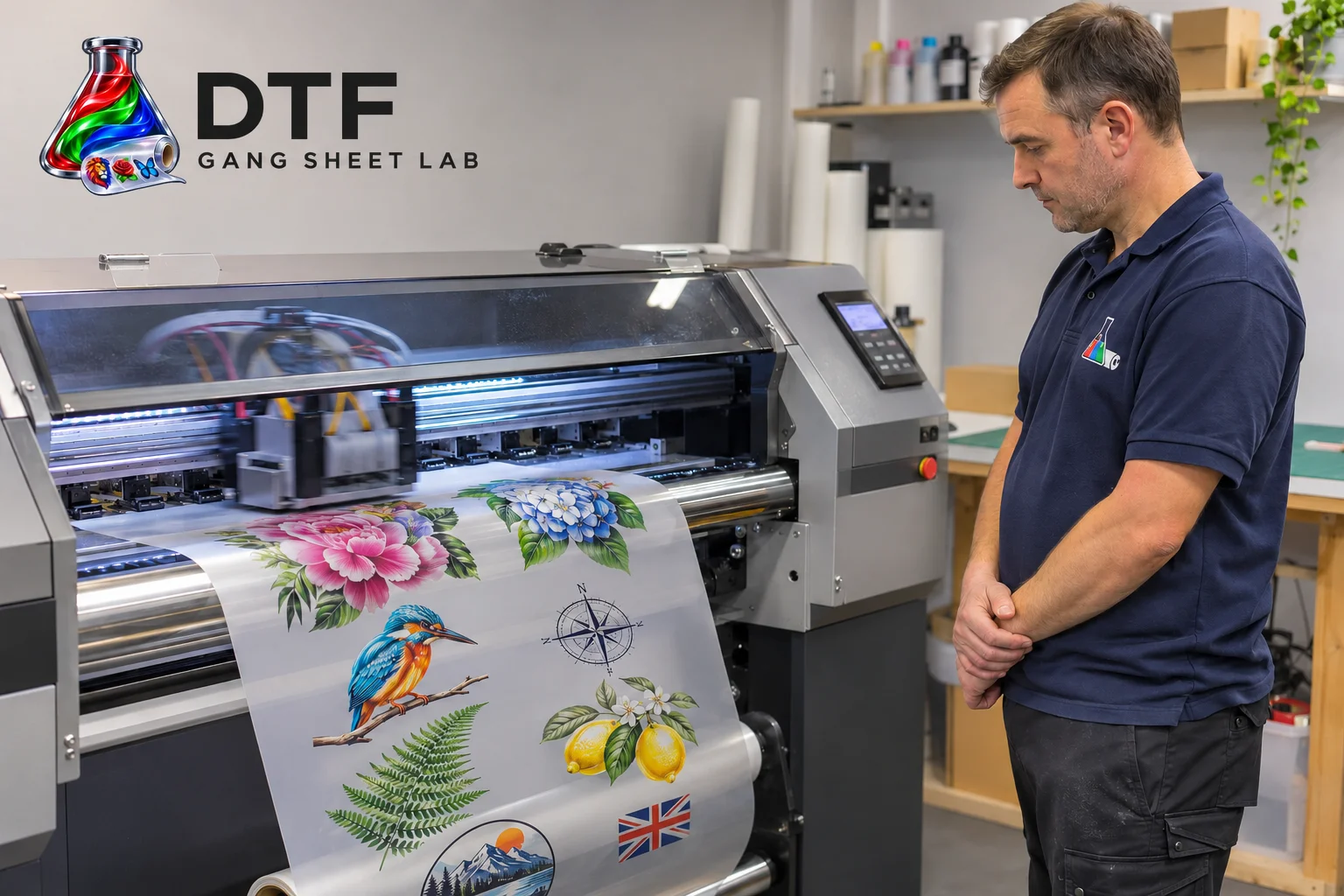
AI-generated studio visualisation of a print technician and DTF printer.
DTF TRANSFERS, MADE SIMPLE
Custom DTF gang sheets for UK makers.
What is a DTF gang sheet?
A DTF gang sheet combines several designs on one length of direct-to-film transfer material. You can group chest logos, large garment graphics and smaller sleeve prints on the same sheet, then cut the individual transfers apart ready for pressing.
Our sheets are 560mm wide and available in 1m, 2m and 3m lengths. Upload a complete print-ready layout, or use the online gang sheet builder to arrange individual transparent PNGs. Every order includes an artwork preview and your approval before printing.
Build more into every metre.
Set the print width or height of each design in millimetres and choose how many copies you need. Proportions stay locked, and the builder checks the effective resolution at your chosen size. Optional 90-degree rotation helps fit designs into available gaps.
Larger layouts are divided into separate sheets without cutting through an image. A layout needing 5 metres can be supplied as a 3m sheet and a 2m sheet. You see the actual split, price and unused space before adding anything to your basket.
Artwork that’s ready for the press.
Supply high-quality RGB artwork with a transparent background. Aim for 300 DPI at the final printed size; the minimum accepted resolution is 150 DPI. Keep text readable, leave room to cut between transfers and supply designs the right way round, without mirroring.
For DTF Gang Sheet Lab transfers, use a heat press with medium pressure. Check the garment’s heat tolerance and test a transfer on your fabric before a production run.
COTTON140°C
8 seconds · medium pressure
POLYESTER / COTTON MIX120°C
8 seconds · medium pressure
AFTER PEELING2 seconds
Repress under a Teflon sheet
Position. Lay your garment flat and place the transfer in its final position, with the printed adhesive side against the fabric.
Press. Apply medium pressure for 8 seconds at the temperature for your fabric shown above.
Warm peel. Let the transfer cool briefly until warm, then peel away the carrier film smoothly. Do not peel immediately while hot or wait until completely cold.
Finish. Protect the print with a Teflon sheet and repress for 2 seconds at the same temperature and medium pressure.
Free web app. An internet connection is needed to upload, build and order.
A BETTER FILE. A BETTER FINISH.
Good artwork starts here.
RGB artwork. Transparent PNG. 300 DPI for the finest detail.
01
Start at the right size
Set your canvas to 560 × 1000mm, 560 × 2000mm or 560 × 3000mm. Keep each design at its final print size.
02
Keep the background clear
Export a PNG with a transparent background. White artwork prints white. A white rectangle behind your design will print too.
03
Make it sharp
Work at 300 DPI for the best detail. Our minimum is 150 DPI at final size. Enlarging a small image will not restore lost detail.
04
Leave room to cut
Allow around 5mm between designs and 3mm inside the sheet edge. Do not include crop marks, borders or template guides.
05
Supply RGB artwork
Use RGB colour mode and export your finished sheet as a transparent PNG. Keep artwork reading normally; do not mirror it. Avoid details under 0.5mm and partially transparent shadows.
06
Export the finished sheet
Upload one complete transparent PNG per layout, up to 50 MB. Convert text to outlines before export. For PDF, AI or CDR files, export a PNG first.
Approved artwork and payment received before 11am, Monday–Friday, are dispatched the same working day with DPD. Orders after the cutoff, at weekends or on bank holidays dispatch the next working day.
Tracked delivery to standard UK mainland addresses is £8.49 plus VAT. DPD aims for next-working-day delivery after dispatch; arrival dates are not guaranteed. Highlands, islands and other non-standard areas: contact us for a delivery quote.
A FEW GOOD QUESTIONS
Before you press go.
Can I build a gang sheet online?
Yes. Upload transparent PNG images, set their print dimensions and copy counts, then inspect the arranged sheets. You can add more designs to fill suitable gaps. Prepare the saved print previews and tick your approval before adding them to your basket.
What happens if my layout needs 5 metres?
The builder keeps every image whole and divides your layout into 1m, 2m or 3m sheets. A 5m layout can be split into a 3m sheet and a 2m sheet. The actual split is shown before you approve.
Can I leave spare space on my sheet?
Yes. We show unoccupied image-box area and warn you when a sheet has at least 20% left. Add more images, or tick the separate box to accept paying for the full sheets with space unused.
What is a gang sheet?
A gang sheet puts multiple designs together on one transfer sheet. You cut the designs apart and apply them to garments using a suitable heat press. You pay for the sheet length, so make the space work for you.
Can I upload a PDF or a CorelDRAW file?
Please export your complete design as a transparent PNG at the correct canvas size. The uploader accepts PNG so you can inspect the same artwork that goes to print. PDFs, JPEGs and editable design-project files are not accepted online.
Can I order more than one design?
Yes. Add as many different designs as you need inside your finished gang sheet. To order different sheet layouts, upload and approve each one separately, then add it to your basket. Use the quantity control for repeat copies.
Will you alter my artwork?
We print your approved file as supplied. We do not correct spelling, remove backgrounds, rearrange designs or change their size. The preview and checklist help you catch these things before checkout.
How do I apply my transfers?
For our transfers, press cotton at 140°C or polyester/cotton blends at 120°C for 8 seconds with medium pressure. Allow a brief cooling pause, peel while warm, then protect the print with a Teflon sheet and repress for 2 seconds. Test your fabric first.
Will I receive an invoice?
Yes. After successful payment, your order confirmation includes a PDF invoice issued through Sandycroft’s Stripe account. Keep it with your order reference.